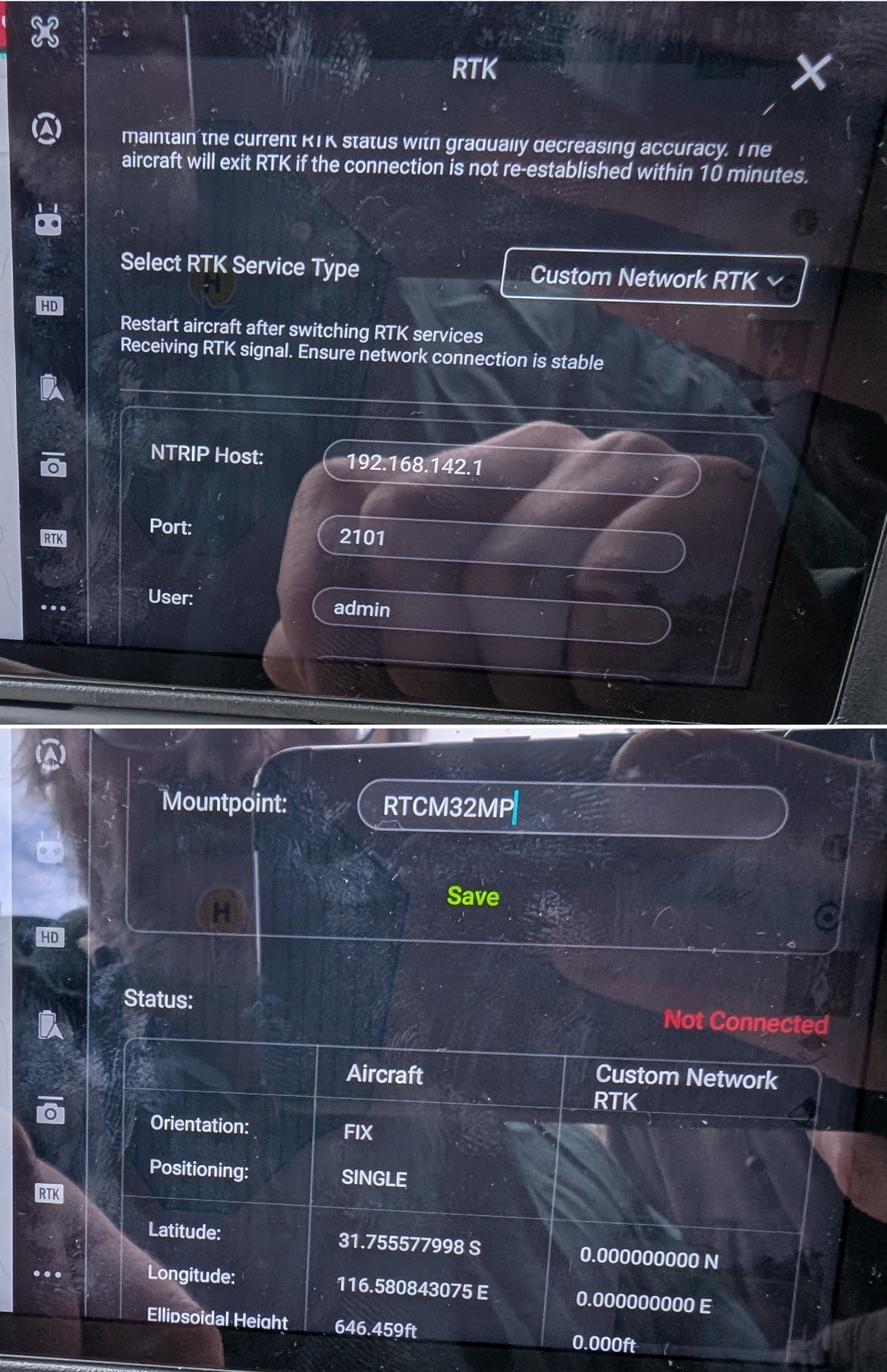
RTK base station
Use for any surveying where a permanent NTRIP base station is not usable (<50 km away).
Accessories list
- Trimble unit.
- At least 2 internal batteries.
- External batteries.
- Battery charger.
- Tripod.
- Tribrach.
- Trimble Base Station Extension.
If needed, RTFM (Trimble R10).
Physical setup
- Choose a spot where the unit is not going to get bumped into.
- But is still close enough so battery changes are easy.
- Don’t worry about levelling.
- Do this early before drone setup.
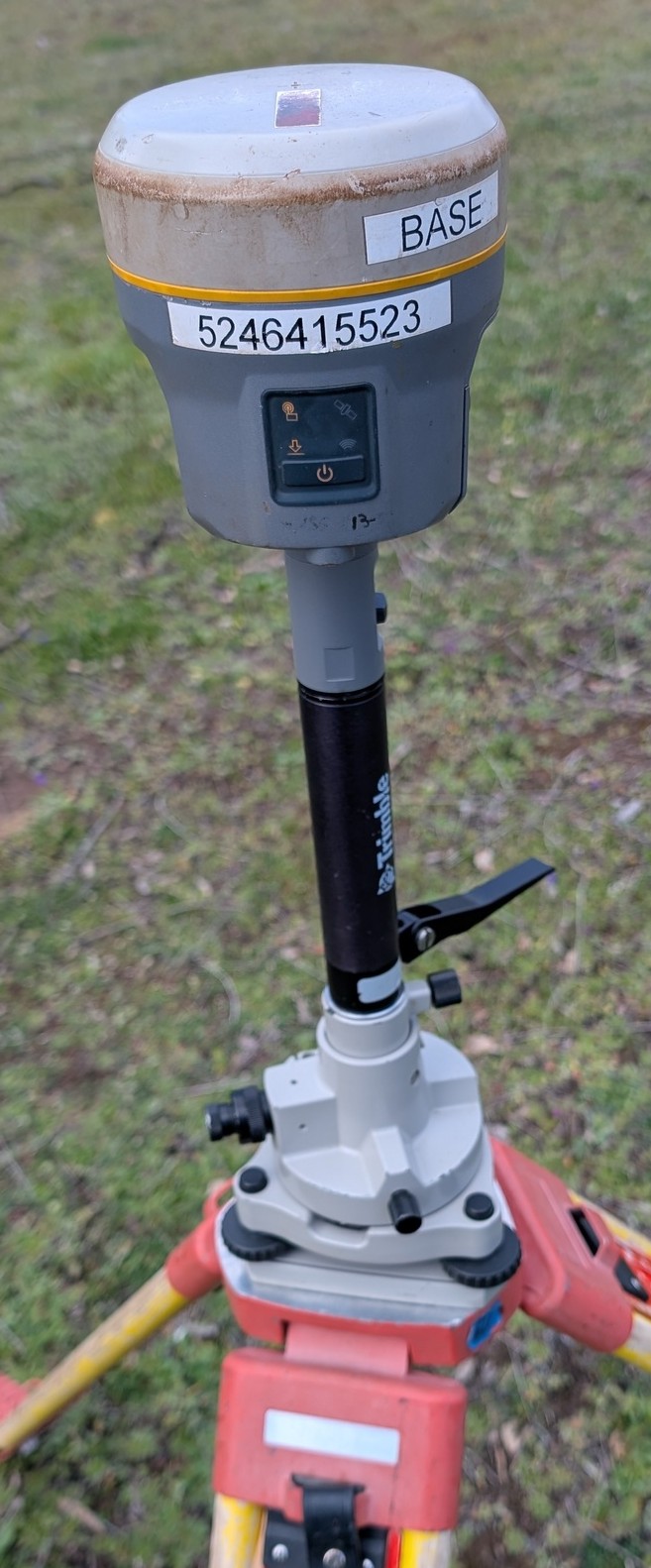
Trimble configuration
Soft (Factory reset), if unsure who used it last. -> Hold power buton for 15-Second.
Connect via WiFi with device to RTk unit:
- Default IP address: is on a sticker on the receiver -> browser.
- Default login: admin/password
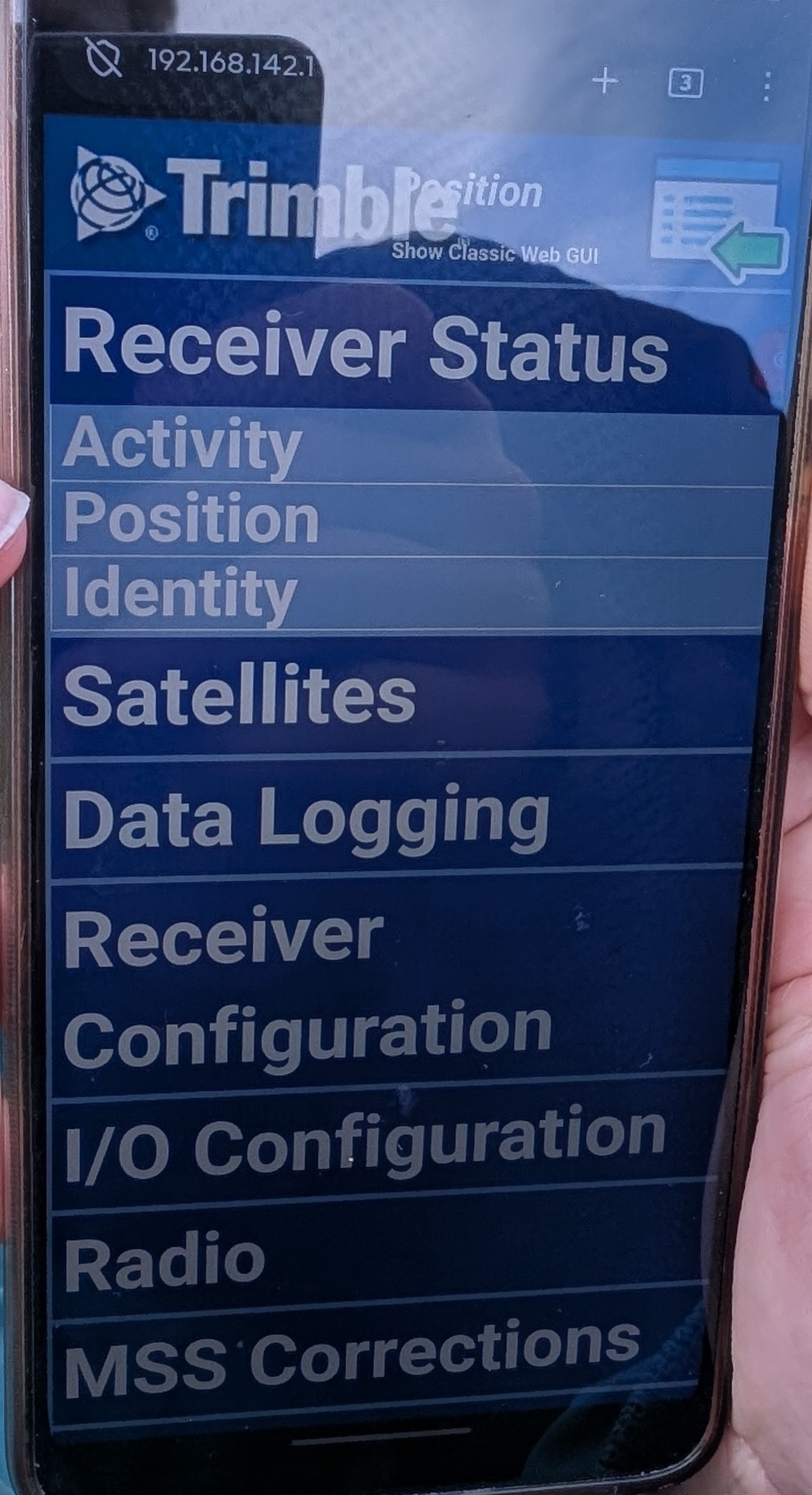
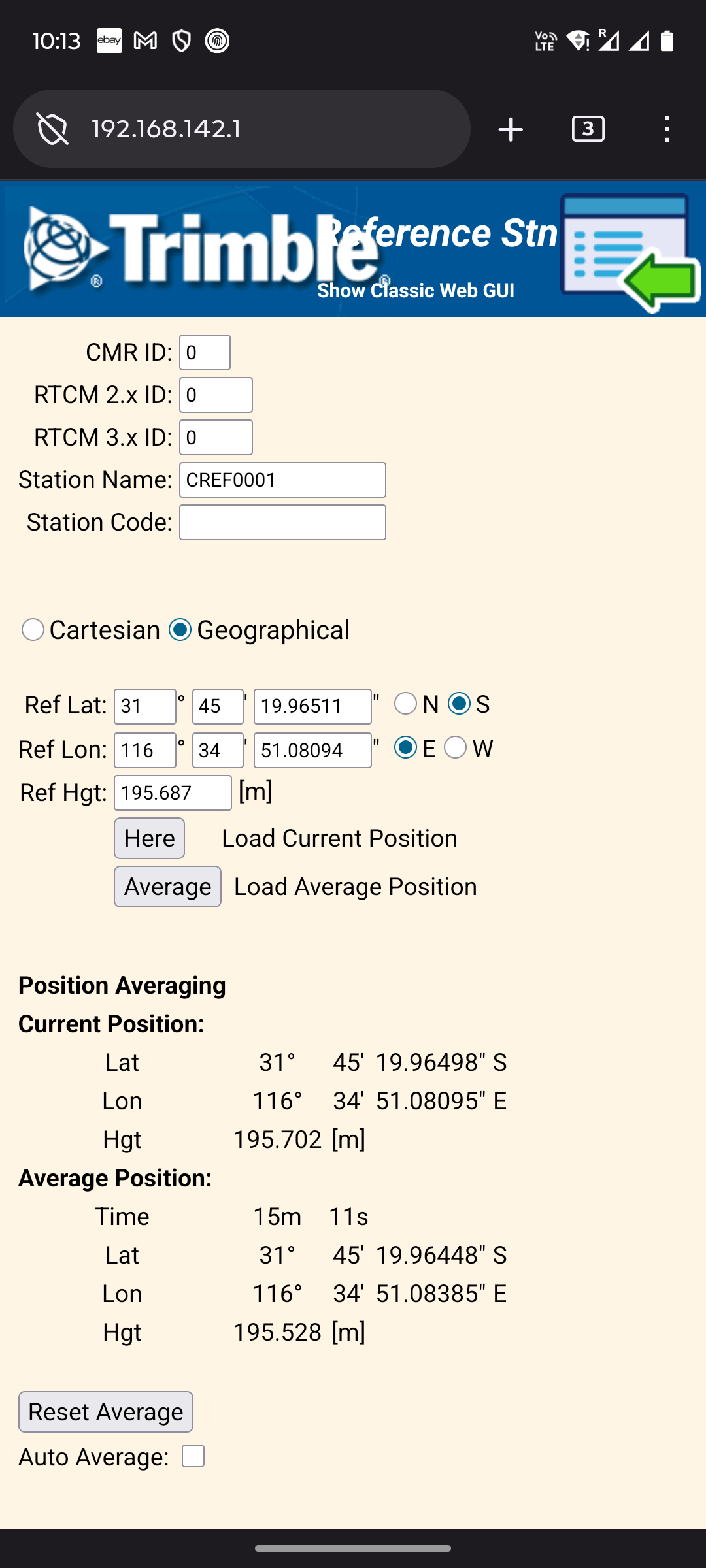
- Receiver Configuration – Reference station: Critical to do whenever the base station is physically moved
- Click on [Here] to load the current position of the receiver as the reference station position.
- Click on [OK].
- I/O config – Port Configuration:
- NTRIP caster 1
- Mount point: RTCM32MP
- RTCM Enable, 3.x (turns green)
- If confirm/save on the bottom of the page complains about reference station too far away:
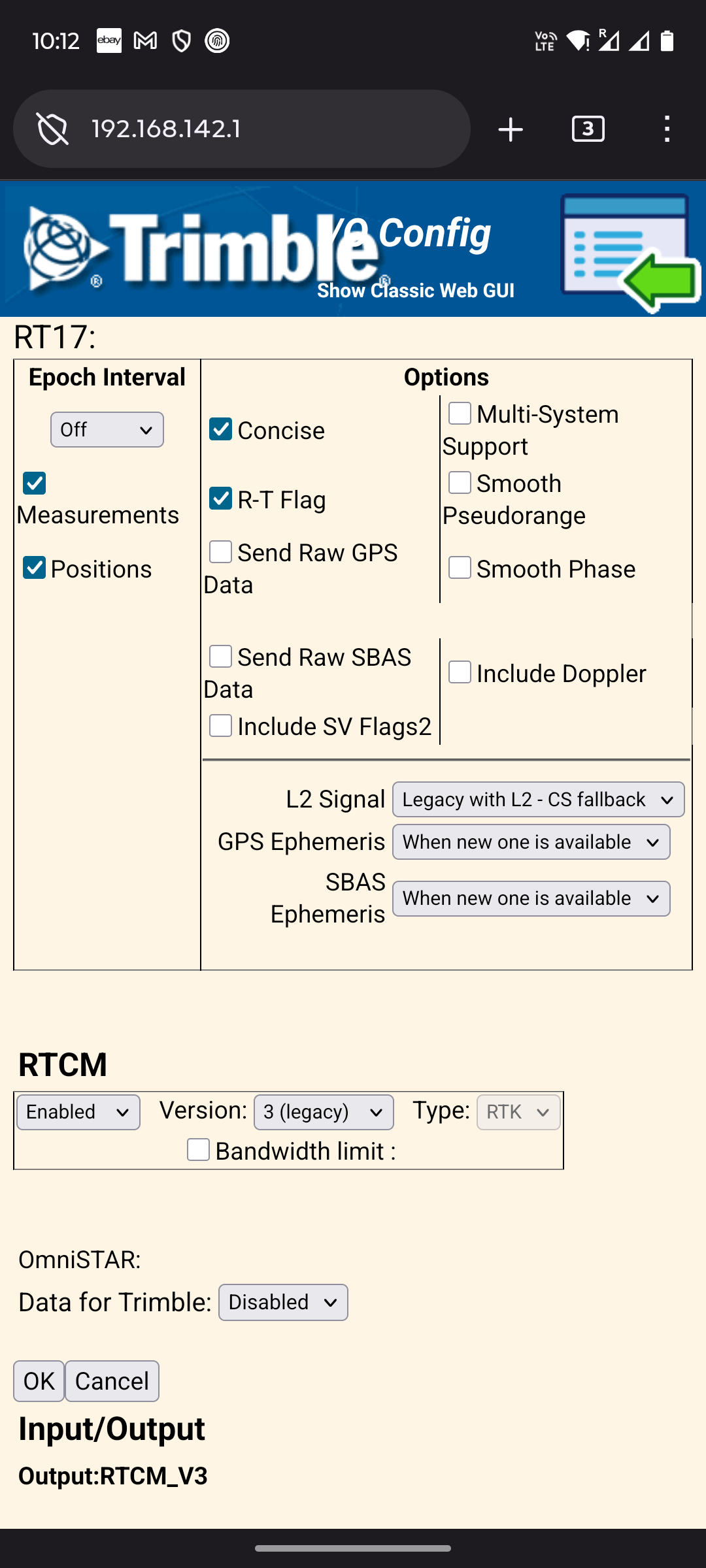
- Quick check all is good:
- All 3 LED indicators on the RTK base station flashing
- Receiver status – Activity: Satellites visible, Battery status.
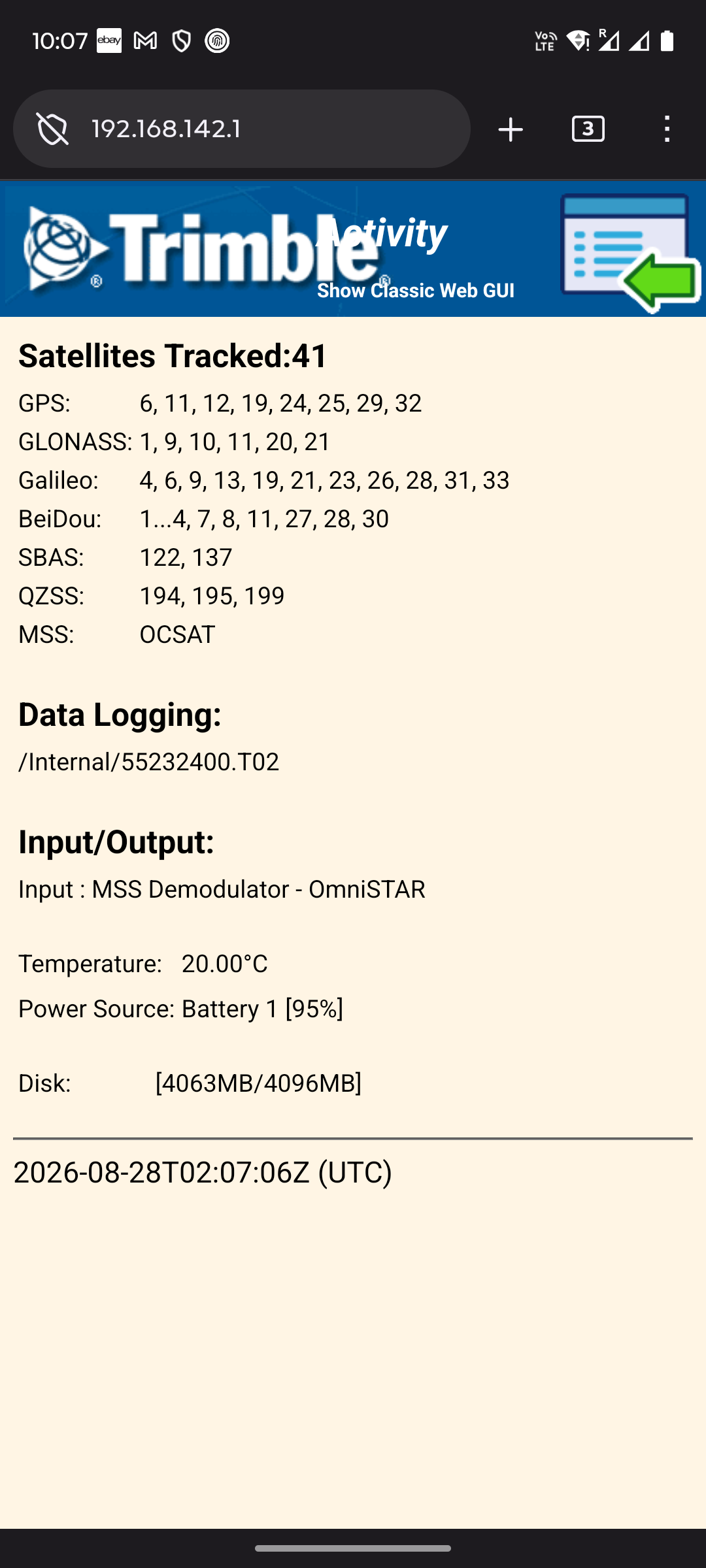
RTK setup on drone controller
In the drone (M300) controller config:
- Select RTK Service Type: Custom Network RTK
- 192.168.1.111
- port 2101
- admin/password
- Mountpoint: RTCM32MP
- If the drone is complaining, make sure the Reference Station is updated in the Trimble web config.