In the case of an error with the CF card in the DSLR the remedy is to format the card. Formatting is also necessary when the CF card is replaced.
During the day time, when it the DSLR is off, power it on with this command: python /opt/dfn-software/enable_camera.py or through the GUI interface. 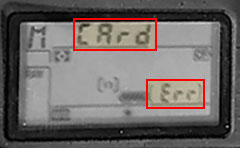
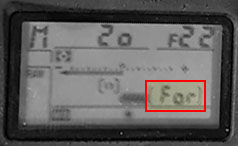 In order to format the card, the USB cable needs to be disconnected from the DSLR. The card can be formatted through the screen menu or with the formatting buttons, in most DFN systems it is easier to use the buttons.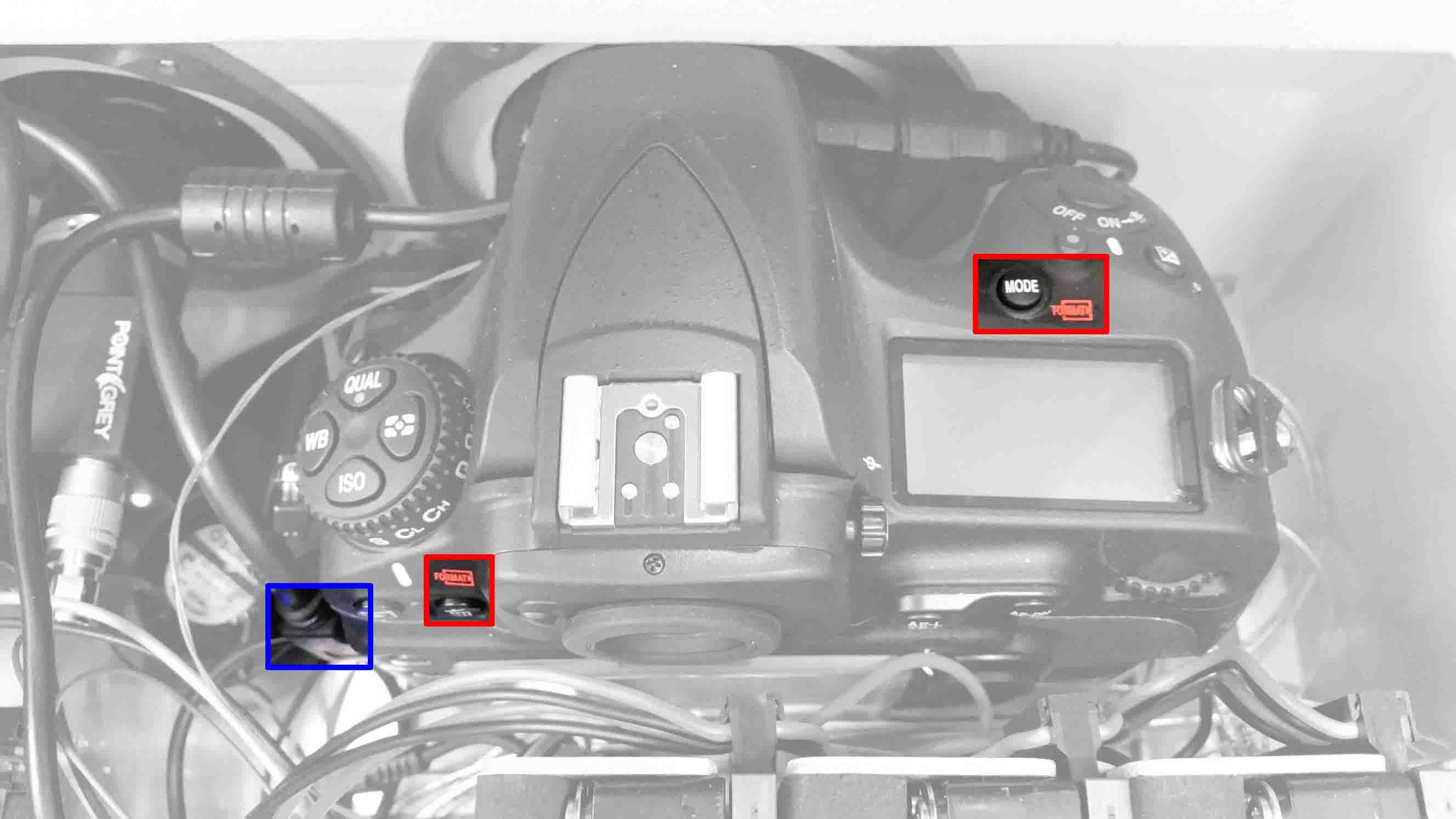
Press and hold the two formatting buttons until the screen indicates ready to format and then release and immediately press both buttons again to format. 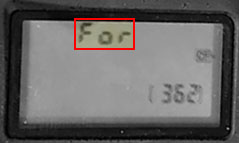 Power off the camera with:
 python /opt/dfn-software/disable_camera.py or through the GUI Interface